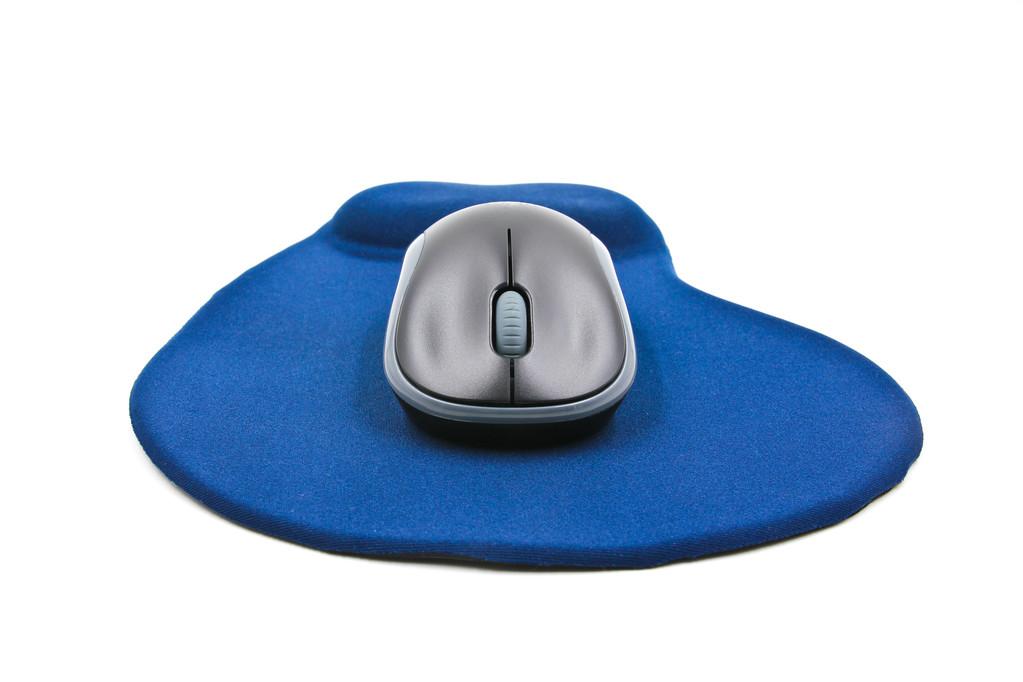
In the fast-paced arena of modern esports, every millisecond serves as a bridge between victory and defeat, and choosing a wireless gaming mouse is one of the most significant decisions for any serious player. Gone are the days when “wireless” was synonymous with lag and interference; as we move through 2026, cutting-edge RF technology has achieved parity with—and in some cases, surpassed—traditional wired connections. By choosing a high-performance wireless peripheral, you aren’t just cleaning up your desk; you are investing in a level of fluid, organic movement that allows for superior precision and the kind of uninterrupted gameplay required to climb the global leaderboards.
Why Wireless Has Become the New Competitive Standard
The surge in popularity for wireless peripherals isn’t just about aesthetics; it’s a fundamental shift in how gamers interact with their hardware. For years, professional players tolerated “cable drag”—the subtle friction caused by a mouse cord rubbing against a desk or mousepad—as a necessary evil. Today, advanced 2.4GHz wireless protocols have effectively killed that trade-off.
The primary reasons top-tier gamers are cutting the cord include:
- Total Freedom of Movement: Without a cable tethering you to a tower, you can perform wide, sweeping “flick shots” and 360-degree rotations without the risk of the cord snagging or pulling back.
- Zero-Latency Performance: Modern proprietary wireless tech (like HyperSpeed or Lightspeed) delivers sub-1ms response times, making the connection indistinguishable from a wired one.
- A Professional Setup: A streamlined, cable-free environment reduces visual distractions and allows for more flexible placement of monitors and other peripherals.
Selecting Your Mouse: Key Factors for 2026
Finding the “best” mouse is subjective, but several technical pillars should guide your decision-making process to ensure you get the most out of your hardware.
1. Sensor Precision and DPI Customisation
DPI (Dots Per Inch) is a measurement of how sensitive your mouse is to physical movement. While sensors in 2026 can reach a staggering 45,000 DPI, most competitive FPS players still prefer a range between 400 and 1,600 for maximum control. What truly matters is sensor accuracy—look for “flawless” optical sensors that track movement 1:1 without adding artificial smoothing or acceleration.
2. Advanced Polling Rates
If DPI is about distance, the polling rate is about speed. This refers to how many times per second the mouse reports its position to your PC. While 1,000Hz (1ms) was the standard for a decade, 2026 has introduced 8,000Hz polling rates, providing an ultra-smooth cursor feel that is particularly noticeable on high-refresh-rate 360Hz or 540Hz gaming monitors.
3. Ergonomics and Comfort
Your grip style is the ultimate deciding factor for comfort. To maintain peak performance during long sessions, your mouse must support your hand’s natural posture:
- Palm Grip: Requires a larger, contoured mouse with a high back to support the entire hand.
- Claw Grip: Best suited for shorter mice with a pronounced hump at the back to stabilise the palm while the fingers arch over the buttons.
- Fingertip Grip: Favours ultra-lightweight, small-form-factor mice that allow for rapid micro-adjustments with just the fingers.
4. Battery Life and Fast Charging
“Uninterrupted gameplay” is impossible if your mouse dies mid-match. Modern wireless mice now offer up to 150 hours of battery life on a single charge. Many premium models also feature USB-C fast charging, where just a few minutes of being plugged in can provide several hours of wireless use, or support for magnetic wireless charging docks.

2026 Top Picks for Every Playstyle
The current market offers specialised tools for every genre. For the competitive shooter, ultralight mice weighing under 60g are the dominant trend, as they minimise wrist fatigue and maximise speed. Conversely, MMO and MOBA players often look for mice with programmable side-button grids that allow them to execute complex ability rotations with a thumb click.
Finally, for the gamer on the go, dual-mode connectivity is a must. These mice feature both a high-speed 2.4GHz mode for gaming and a Bluetooth mode for office work or travel, allowing for seamless switching between a gaming rig and a laptop.
Maximising Your Gaming Potential
To get the best results, always keep your wireless receiver within 12 inches of your mousepad using the provided extender cable. This ensures a “line-of-sight” connection that is immune to interference from other electronics. Additionally, regularly cleaning your mouse’s optical sensor and replacing its PTFE (Teflon) feet will keep your glides feeling like new.
Wireless Gaming Mouse FAQs
Is a wireless mouse actually as fast as a wired one? Yes. Modern gaming-grade wireless technology has eliminated the latency gap. Many independent tests show that high-end wireless mice now have response times equal to or even better than traditional wired options.
Will my mouse work without a USB dongle? Many wireless gaming mice offer a Bluetooth mode that connects directly to your device without a dongle. However, for low-latency gaming, using the included 2.4GHz USB receiver is highly recommended.
Why is weight such a big deal for gaming? A lighter mouse has less inertia, meaning it is easier to start and stop its movement. This leads to faster reaction times and significantly reduces the risk of repetitive strain injuries during long gaming marathons.
Can I use a wireless mouse while it’s charging? Yes. Almost all modern wireless gaming mice function as a standard wired mouse when plugged in to charge, so you never have to stop playing.