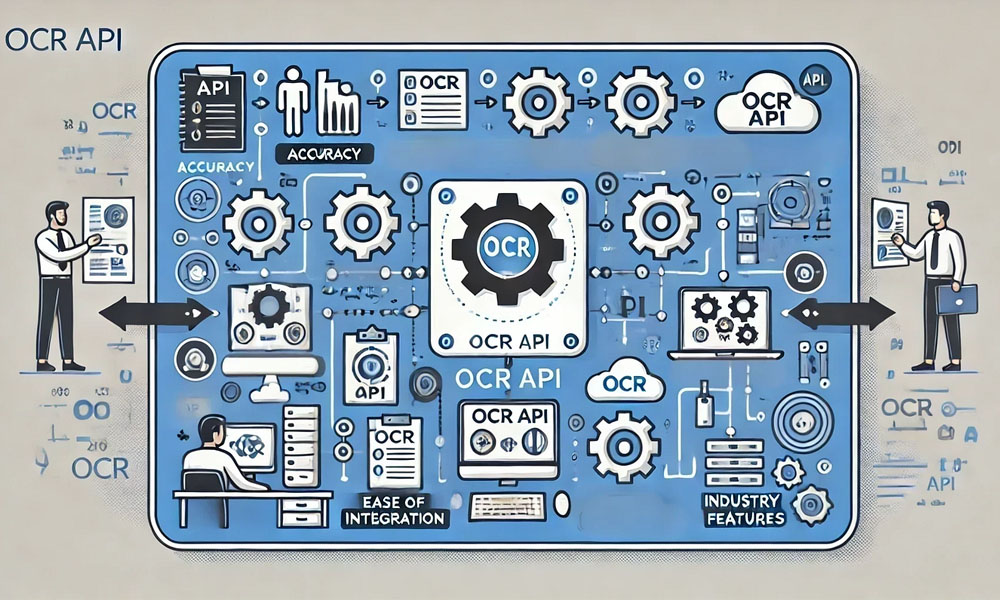
Nowadays, almost every organization works with documents. Documents can be bills, forms, ID cards, delivery slips, invoices, and customer documents. It requires a considerable amount of time to read all these documents manually. Moreover, there are chances of more errors. Therefore, everyone uses an AI OCR API service that reads and interprets documents faster.
OCR stands for Optical Character Recognition. It literally means that OCR reads text from an image or a scanned document. As we integrate OCR with AI, it becomes more intelligent. It will not only be able to read but will also be able to comprehend. It’s known as ai document processing.
But there is one big question:
- How do I select an appropriate AI OCR API?
There are so many tools available on the market. Some tools are simple, some are complex, and some cost an arm and a leg. So, in this blog, I will explain everything about OCR tools in the simplest English. By the end, you will be familiar with the features you need, precision methods, and finally, how you can incorporate an OCR API seamlessly within your system.
Reasons Businesses Need AI OCR APIs Today
Work is getting faster. Consumers crave fast service. Businesses want fewer errors. Papers and documents continue rising daily. Humans get exhausted, but computers don’t. An AI OCR API assists with:
- Faster work
- Fewer mistakes
- Lower cost
- Improving customer experience
- Easy data storage
For instance, a bank can process a scanned copy of a cheque within a second. It will be able to read an insurance claim form without having to type. It can scan its delivery documents while still on the truck. This is the power of AI OCR.
Core Features to Look for When Using an AI OCR API
Not all OCR software is created equal. Some OCR software works well with small projects. Some OCR software is designed for large corporations. Some can read English. Some can read multiple languages.
Below are what we believe are some of the most critical factors you should evaluate:
Extremely Accurate
Accuracy is the essence of an OCR. If your OCR fails to read some text, your data will be wrong. You should therefore check:
- Is it capable of reading printed text properly?
- Can it read handwritten writing?
- Is it capable of processing old documents or low-quality documents?
- Can it identify numbers, dates, and names properly?
There are some APIs that can read images even if they are dark, tilted, and blurred, and some of these use AI.
Smart Layout Detection
Documents are not always simple. Some have:
- Tables
- Boxes
- Columns
- Stamps
- Logo
- Signatures
A useful OCR service should be aware of the layout. It should be able to identify what constitutes a header or a table, as opposed to regular text.
Tools such as ABBYY Document Classification Software have very strong layout understanding capabilities. They are capable of classifying documents and retrieving the correct information with very high accuracy.
Multi-Language Support
India alone has multiple languages. Companies have customers from all over. So select an OCR software that supports:
- English
- Hindi
- Regional languages (if required)
- Global languages (if your business extends outside of India)
Document Classification
Prior to reading a document, it needs to be recognized as an identifying document. Whether it would be a PAN card, a bill, a delivery note, or a form from a bank?
With AI, the OCR system can:
- Determine document type
- Use the appropriate reading rules
- Give perfectly structured outputs.
It is here that ABBYY’s Document Classification Software truly excels. The software employs AI and achieves document classification with great accuracy.
Data Extraction and Validation
A good OCR API should be more than an implementation for an AI OCR algorithm that reads text. It should be capable of:
- Pick the correct fields
- Names, phone numbers, dates, addresses
- Validate data automatically
- Identify and mark wrong and missing values
It makes the system intelligent and trustworthy.
Security and Compliance
Personal information may be included in documents. Thus, security procedures followed by the API should be strict:
- Encryption
- Secure cloud or on-premise solution
- Privacy rules
- Storage and processing of data should
It should be ensured that there is security, particularly within the domains of banking, insurance, and medicine
Comprehending OCR Accuracy Explained Simply
Accuracy refers to: “How close the OCR result is to the real text.”
But accuracy depends on several factors:
Document Quality
If the document is:
- Blurry
- Cropped
- Too dark
- Too bright
- Tilted
Consequently, there might occur some error on the side of the
Handwriting vs. Print Text
The printed form of text works well with AI.
The reason for buying stocks online and selling them.
Nevertheless, current OCR with AI capabilities can read various styles of handwriting.
Language and Font
Some documents have fancy fonting and designs. Reading becomes difficult because of that. A good OCR solution works well with various fonts.
Old Documents
Historic papers could be torn or blurry. The AI OCR feature employs machine learning algorithms that enhance these images before scanning.
Integration Tips: How to Add an AI OCR API Easily
You don’t have to be an expert in technology to employ an OCR API. But there are a couple of tips that will help you integrate it seamlessly.
Tip 1: Test Small First
Before applying it on all your documents, try it on:
- 10-20 sample files
- Various file formats
- Various image qualities
It helps you see what the API will do in a given scenario.
Tip 2: Selecting the Appropriate File Formats
Almost all OCR APIs support the following:
- JPG
- PNG
- TIFF
You should be aware that if you work with scanned PDFs, the resolution should be at least 200 DPI.
Tip 3: Use Pre-Processing
Preprocessing involves enhancing an image before it can be uploaded to the OCR API.
It includes:
- Elimination of noise
- Adjusting brightness
- Straightening an Image
- Eliminar fondo
Accuracy increases with good pre-processing.
Tip 4: Use Webhooks or Callbacks
Working with numerous files, it may take some time for the OCR API. Don’t wait for it. Use webhooks instead. When it finishes the OCR task, it will send a message. It reduces waiting time and enhances speed.
Tip 5: Integrate with Your Existing Software
AI OCR functions effectively as an interface with:
- CRM
- ERP
- Billing systems
- HR systems
- Insurance claim software
- Logistics apps
By doing so, an automated process is created because data flows effectively from one system to another.
Tip 6: Continue Improving Your Model
Some advanced OCR APIs enable you to train them with your own documents. That boosts accuracy. Your system gets better with every passing day.
Justification for Using ABBYY Tools for AI OCR
There are several reasons ABBYY is recognized as among the oldest and most reliable suppliers of OCR technology. ABBYY’s AI solutions have been praised for:
- Extremely high accuracy
- Full document classification
- Easy Integration
- Industries with broad support
Their product, ABBYY Document Classification Software, assists businesses in classifying documents instantly. It reduces several hours of manpower efforts. But if you are looking for more advanced document processing capabilities from an ai engine, ABBYY is perhaps the market leader.
Conclusion
When it comes to selecting an AI OCR API, it isn’t about selecting an inexpensive option. It’s about selecting an option that will provide you with:
- Higher accuracy
- Handling Multiple Document Formats
- Easy integration
- Smart AI-Related
- Feature: Good support and documentation
And if you choose the right tool, your business will become faster, cleaner, and more efficient. Your customers will receive better service. Your employees will work with less stress. And your business will save money every single day. AI OCR is more than just a tool. AI OCR is an intelligent business partner.